
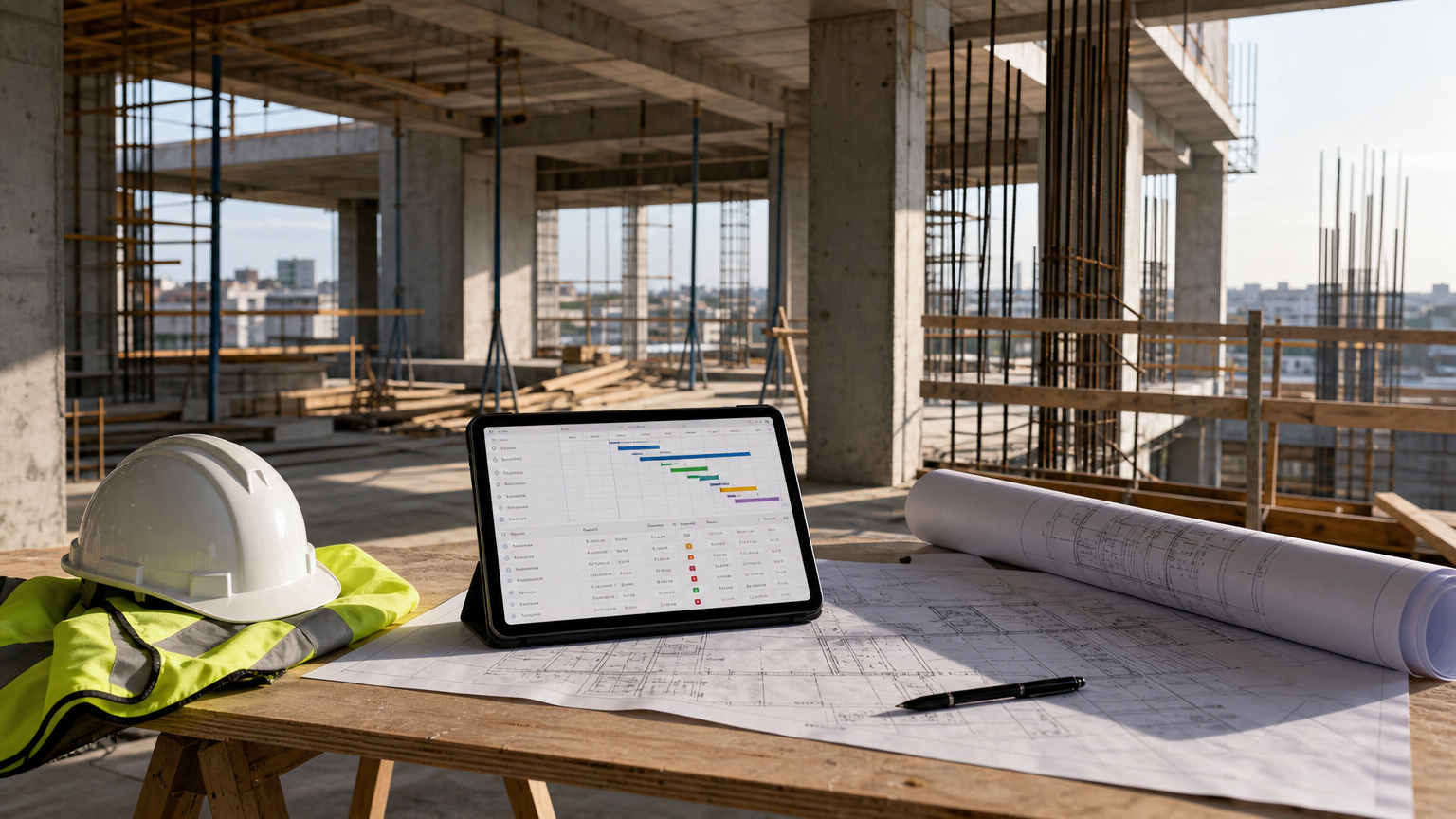
Document management for construction and engineering teams: how Starbrix works
Document control in construction and engineering is not the same as storing files in a shared folder. It means knowing which revision of a drawing is current, restricting access to commercially sensitive specifications, sharing documents with subcontractors or clients who don't have an account on your platform, and keeping a traceable record of every exchange tied directly to the project it relates to. Generic cloud storage handles none of that reliably. Dedicated enterprise common data environments (CDEs) like Procore or Aconex handle it well, but they carry enterprise pricing and implementation overhead that many project teams, particularly in mid-market contracting and engineering consultancy, can't justify.
Starbrix takes a different approach. Rather than building a separate DMS module bolted alongside a project management tool, Starbrix integrates document access, version control, and project communication into the same project and task context where work actually happens. The principle is direct: navigate to a project or a task, and the relevant documents or links are already there. No separate system to switch to, no manual cross-referencing of file names against task lists.
This page documents Starbrix's document management capabilities as they apply to construction and engineering project delivery, covering the features that are available today, how to structure document collections for complex projects, how external sharing and confidentiality controls work, and where teams currently rely on linked external storage for workflows such as CAD viewing and annotation.
What's included out of the box
For construction and engineering teams, Starbrix provides the following document-related capabilities as standard:
- Built-in version control: the current version of each document is the one users see; earlier versions remain accessible when needed
- Structured document organization using Folders, Subfolders, and Document rows, adaptable to project phase, trade package, or document type
- File attachments at project level and at individual task level, including attachment directly from the Gantt view
- Links to externally hosted documents (OneDrive, Google Drive, SharePoint, or any other URL-accessible document management system) added at project or task level
- Confidential document access restriction, so sensitive files are visible only to authorised team members
- External stakeholder sharing via e-mail link, usable even when the recipient has no Starbrix account
- In-project e-mail threading: messages sent from a project are stored in the project's message view, and replies return into the same view
Core document control features
Version control for drawings and documents
Starbrix includes built-in document version control. When a new version of a drawing or specification is uploaded, it becomes the current version that team members work from, while earlier versions remain available for reference or audit purposes. This directly addresses one of the most common sources of rework in construction: teams building from a superseded drawing because no-one had a clear view of which issue was current.
The version control model means that the document record grows in place. You don't need to rename files with revision suffixes or maintain a separate revision register manually. The history is preserved within the document record itself.
Folder structure for larger document collections
For projects with substantial document volumes, Starbrix organizes documents using a flexible folder hierarchy. Folders can contain subfolders, and each subfolder can contain further subfolders with no limit on the number of levels. Documents can be stored at the appropriate level within the structure.
This maps naturally to construction project breakdowns: a top-level folder can represent a work package or building element, with subfolders for document types such as drawings, specifications, RFIs, and reports. Additional subfolder levels can be added whenever more detailed organization is needed.
The structure scales easily from simple to complex projects. A small engineering project might use a single folder with just a few subfolders, while a multi-phase infrastructure project can build a detailed, multi-level document register that reflects its project structure.
Where documents live in Starbrix
Documents and links can be associated with a project at project level, making them available to anyone with access to that project. They can also be attached to individual tasks. This is particularly useful for construction delivery workflows where a specific drawing or specification is directly relevant to the task being executed. Attachments can be added from the task list or directly from the Gantt view, keeping the schedule and the supporting documents in the same context.
Starbrix also supports linking to externally stored files rather than uploading them. If your team stores large files (drawings, BIM models, CAD files) in OneDrive, Google Drive, SharePoint, or a specialist DMS, those can be linked at project or task level. This means the Starbrix project record becomes the navigation point for all project documentation, whether the files physically reside inside Starbrix or in an external system.
Confidential document access control
Certain project documents carry restricted circulation requirements: tender pricing, contractual correspondence, personnel records, or commercially sensitive design information. Starbrix allows documents to be restricted so they are visible only to people who are authorised to access them. This prevents accidental disclosure to team members who are active on the project but don't have clearance for specific document sets.
This is distinct from platform-level access permissions. It gives document-level confidentiality within a shared project workspace, which is the granularity that construction and engineering teams typically need during live delivery.
Sharing with external stakeholders
Construction projects involve parties who aren't internal users: subcontractors, clients, suppliers, design consultants, statutory consultees. Starbrix supports sharing project documents with external stakeholders even when those recipients are not Starbrix users. Sharing is done via e-mail; the recipient receives a link they can use to open or download the document. No account setup is required on their end.
This approach is practical for issuing documents for approval, distributing specifications to tenderers, or sending revised drawings to a site team that operates outside your organization.
Drawing and CAD file handling
Linking vs. uploading: the practical distinction
Construction drawings, CAD files, and BIM models are large. They often require specialist viewers for markup, annotation, and issue tracking. Starbrix supports attaching files directly to projects and tasks, and the team can add links pointing to any URL-accessible location.
For CAD and BIM workflows specifically, the recommended approach in Starbrix today is to store the source files in an external system (SharePoint, a CDE, a BIM collaboration platform) and link to them from the relevant Starbrix project or task. This keeps the Starbrix project record as the single navigation point while relying on the file host for rendering, markup, and large-file handling.
Starbrix does not include built-in CAD or BIM viewers. Viewing and working with specialized CAD and BIM files therefore requires the appropriate external software or viewer. Starbrix keeps the related documents, tasks, schedules, and project information organized and connected within the project.
What to verify with your IT team before deployment
Before deploying Starbrix as the document access layer for a construction project, confirm the following with your IT and project controls teams:
- Which file types and sizes your external storage system (OneDrive/SharePoint/Google Drive) supports, since Starbrix links directly to these
- Whether your browser configuration supports the file preview behaviour you expect for linked documents
- How access permissions in the external storage system interact with Starbrix's link-sharing model (a link can be forwarded, so the underlying file permissions in the external system remain the first line of access control)
- Whether your organization's data residency requirements are met by the external storage provider you link from
Approval and review workflows: what Starbrix enables today
Construction approval cycles involve a sequence of events: a document is issued, reviewed, commented on, revised, and re-issued. In a disconnected toolset, this cycle generates e-mails in individual inboxes, marked-up PDFs in personal folders, and version confusion when the revised drawing is issued without a clear link back to the original comments.
Starbrix doesn't currently provide formal approval state workflows (pending, approved, rejected, approved with comments). What it does provide is the connective tissue that makes informal approval cycles traceable and organized.
A practical drawing review loop in Starbrix works like this:
- Attach the drawing or link to the current version at task level (the review task in your project plan)
- Send the review request as an e-mail directly from the project; the message and the document reference are stored together in the project's message view
- When the reviewer replies, the reply appears in the same project message view, not in an individual inbox
- Automatic notifications alert the task owner when the task status changes (e.g., when the reviewer marks the review task complete, or when a deadline is missed)
- When a revised drawing is issued, upload the new version; earlier versions remain available to confirm what was changed between issues
This model reduces the risk of approval correspondence becoming detached from the project record. The message thread, the document, and the task are all in the same place.
For teams that require formal approval states, submittal registers, or transmittal generation as discrete workflow steps, these should be evaluated against Starbrix's current roadmap or handled via linked external systems until such capabilities are formally documented.
Access to documents in the field
Field-based construction teams need to know they're looking at the latest revision of a drawing before they pour concrete or fix steelwork. Starbrix keeps the current document version prominently accessible, while earlier versions are retained for reference. This helps ensure that field teams work with the latest available information.
Starbrix is a fully online, cloud-based platform accessed through a web browser. An internet connection is therefore required to access Starbrix, and the platform does not offer an offline mode or offline synchronization of documents.
With an internet connection, field teams can access Starbrix from computers, tablets, and mobile devices. They can:
- Access the latest document versions directly from the relevant project or task
- View earlier document versions when needed
- Update tasks, progress, and other project information
- Add comments and attachments
- Receive notifications related to project activities and deadlines
- Access links to externally hosted documents and drawings
For construction sites with limited or unreliable internet connectivity, this requirement should be taken into account when planning how Starbrix will be used by field teams.
Access control and data security
What Starbrix confirms
Two access control mechanisms are documented in Starbrix.
- Document-level confidentiality restriction: sensitive documents can be marked so only authorised users can see them within a shared project
- External sharing via controlled e-mail link: documents are shared by link, giving control over who receives the link
These two controls address the most common document security requirements in construction delivery: keeping commercial information away from trade contractors who are on the same project, and issuing documents to external parties without giving them open access to the full project.
Pricing
Starbrix operates on a subscription model and includes a free plan suitable for personal users and small teams. For construction and engineering teams requiring multi-user access, external stakeholder collaboration, and full document management capabilities, a paid plan will apply.
Specific plan tiers, per-user pricing, and storage limits for 2026 are available on the Starbrix pricing page. The free plan provides a useful evaluation path: teams can test the project and document workflow before committing to a paid subscription.
When evaluating cost against alternatives, note that Starbrix includes project management, task scheduling (Gantt), Kanban views, and document management in a single platform subscription. Platforms that charge separately for project management and a CDE module, or that price per project rather than per user, can accumulate to significantly higher annual costs for mid-sized contracting or engineering businesses.
Example use cases
Main contractor project team
A main contractor running a commercial fit-out project uses Starbrix to manage the program. Each work package has a folder within the project's document structure: M&E, architectural finishes, external works. Drawings are linked from SharePoint (where the architect issues current versions). When the site manager needs to confirm the latest ceiling tile spec before raising a purchase order, they navigate to the relevant task in the Gantt view and open the attached link. No searching through e-mail or calling the office.
Engineering subcontractor with designer coordination
A mechanical engineering subcontractor is coordinating fabrication drawings with the project designer. The subcontractor's project manager sends the draft drawings for review directly from the Starbrix project using the in-project e-mail function. The designer's response (with markup attached) arrives back in the same project message view, alongside the original drawing reference. When the revised drawing is uploaded, the old version is retained. The PM can show the client the exact sequence of issue and response without rebuilding an e-mail trail.
Multi-trade coordination
A project involving four trade contractors uses Starbrix with separate document folders for each trade's package. Documents relevant to coordination interfaces are linked at task level in a shared coordination program. Confidentiality restrictions prevent each trade contractor from viewing the pricing or program documents of the others, while shared coordination drawings remain accessible to all.
PMO portfolio oversight
A construction PMO managing six concurrent projects uses Starbrix's portfolio view to monitor program status across all projects. Each project holds its own document structure. When a specification change affects multiple projects, the PMO creates linked tasks in each affected project and attaches the revised specification. Notifications are sent to each project's task owners when the linked task is created or updated.
Client and supplier collaboration
A developer sharing a design package with a planning consultant uses Starbrix's external sharing feature to issue documents by e-mail link, without requiring the consultant to register. When the consultant's comments are ready, the developer's project manager records the response in the project message view and links the revised drawings. The full exchange is captured within the project record, not fragmented across personal inboxes.
